 Cria Planner
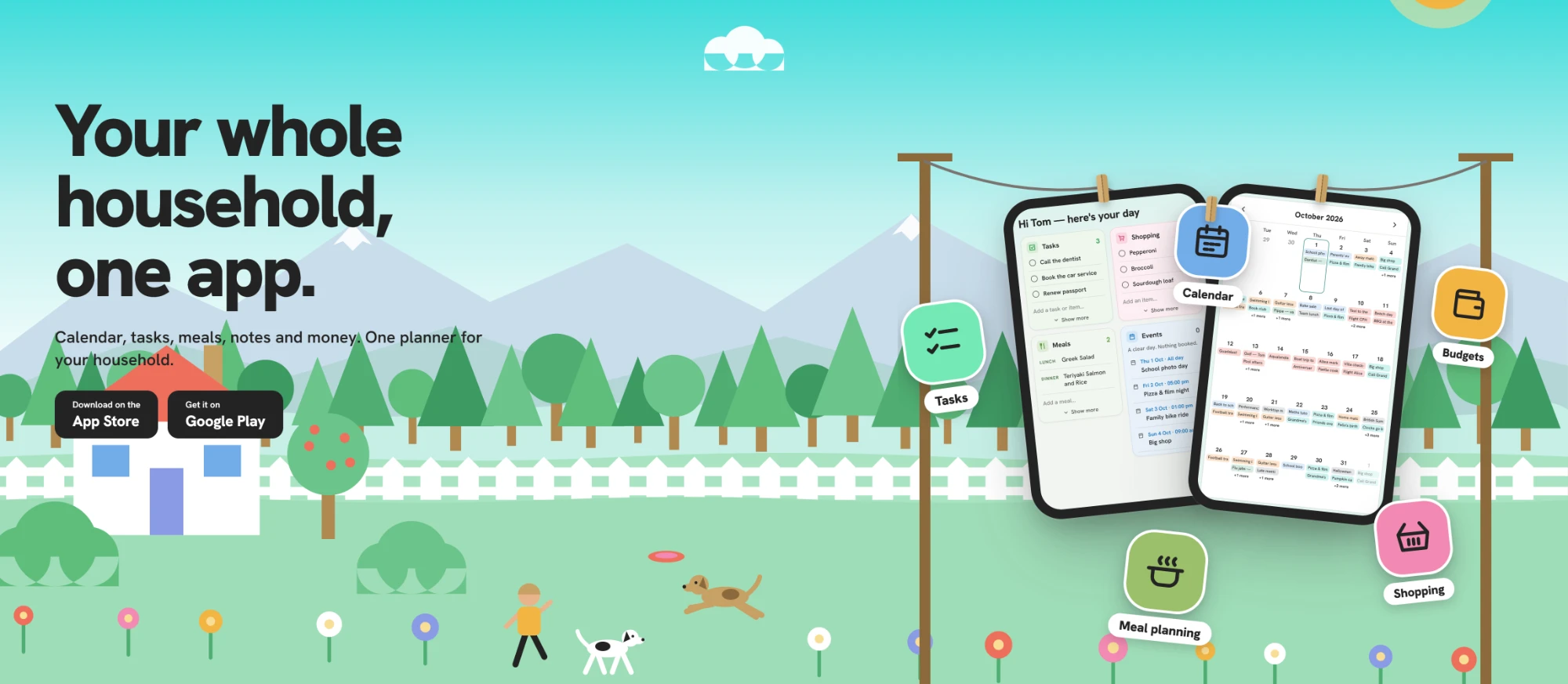
Shared across your devices
Phone, tablet, laptop: the same plans everywhere, the moment you change them. Offline on a train? Fine. Everything lives on your device first and catches up the second you're back online.
The shared planner for couples & families
Calendar, tasks, meals, notes and money. One planner for your household.
Why Cria Planner
Most planners are built for one person on one phone, which is why the shopping, the vet appointment and the bill someone fronted never make it in. Cria Planner starts from the people you plan with, then covers the whole week rather than one slice of it.
Phone, tablet, laptop: the same plans everywhere, the moment you change them. Offline on a train? Fine. Everything lives on your device first and catches up the second you're back online.
Invite your partner, family or friends into a space and share its tasks, events, notes and costs. Reminders reach everyone, so nobody gets to claim they didn't know. And the people you invite never pay a thing.
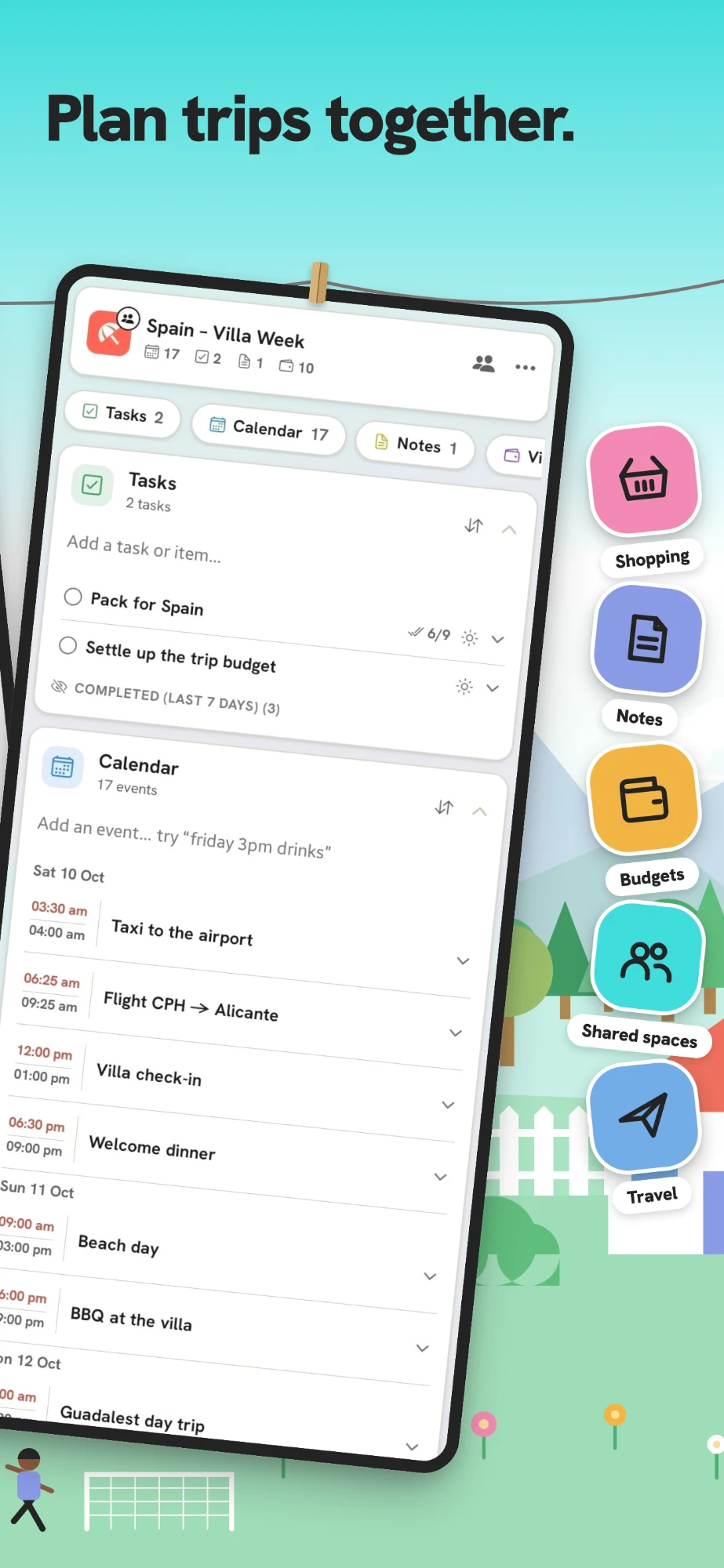
Ask for "a weekend in the mountains for four" and Cria writes the plan: the events, the packing list, the tasks, who does what. Then it keeps answering questions like "what's on this weekend?" as things change.
And the rest of it
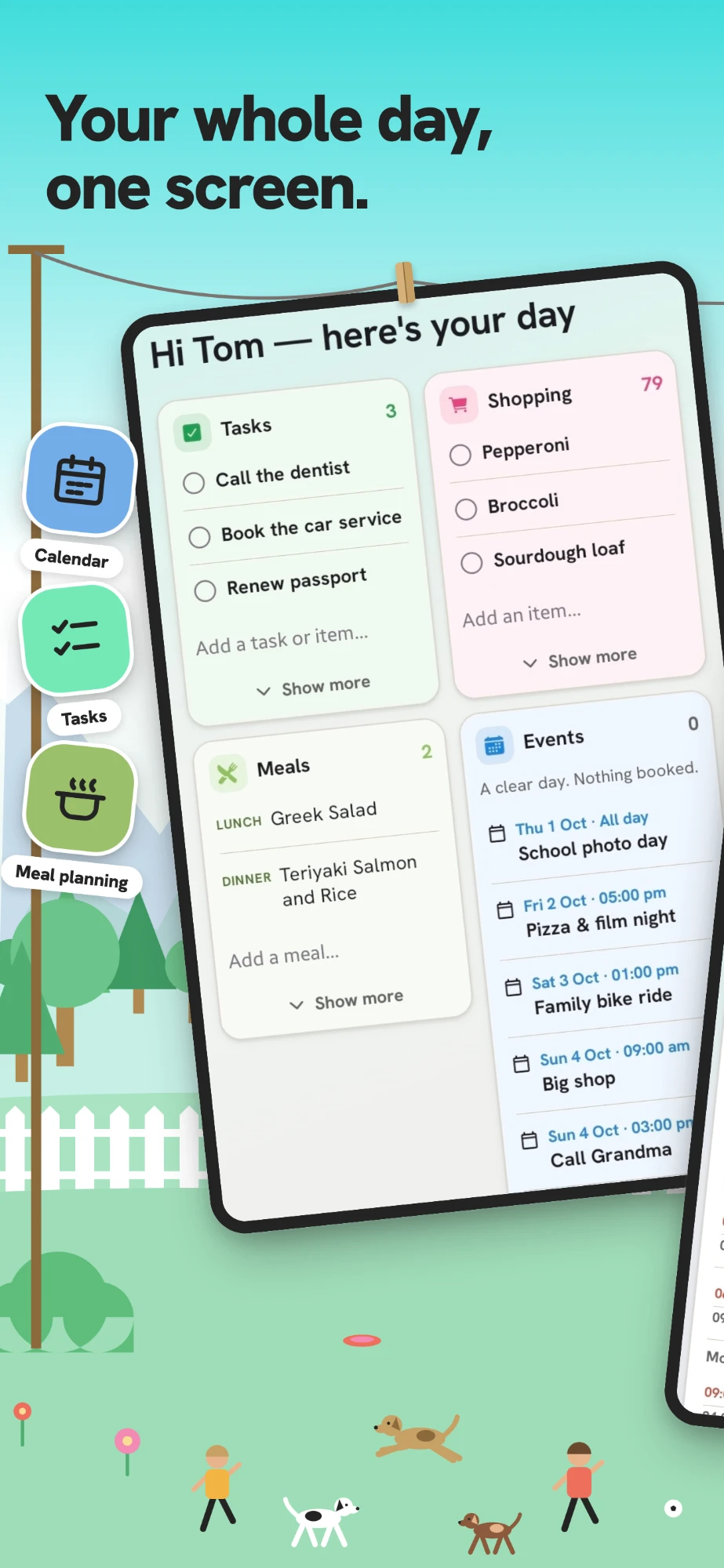
One glanceable screen with today's events, due tasks and notes. Most days it's the only screen you'll open.
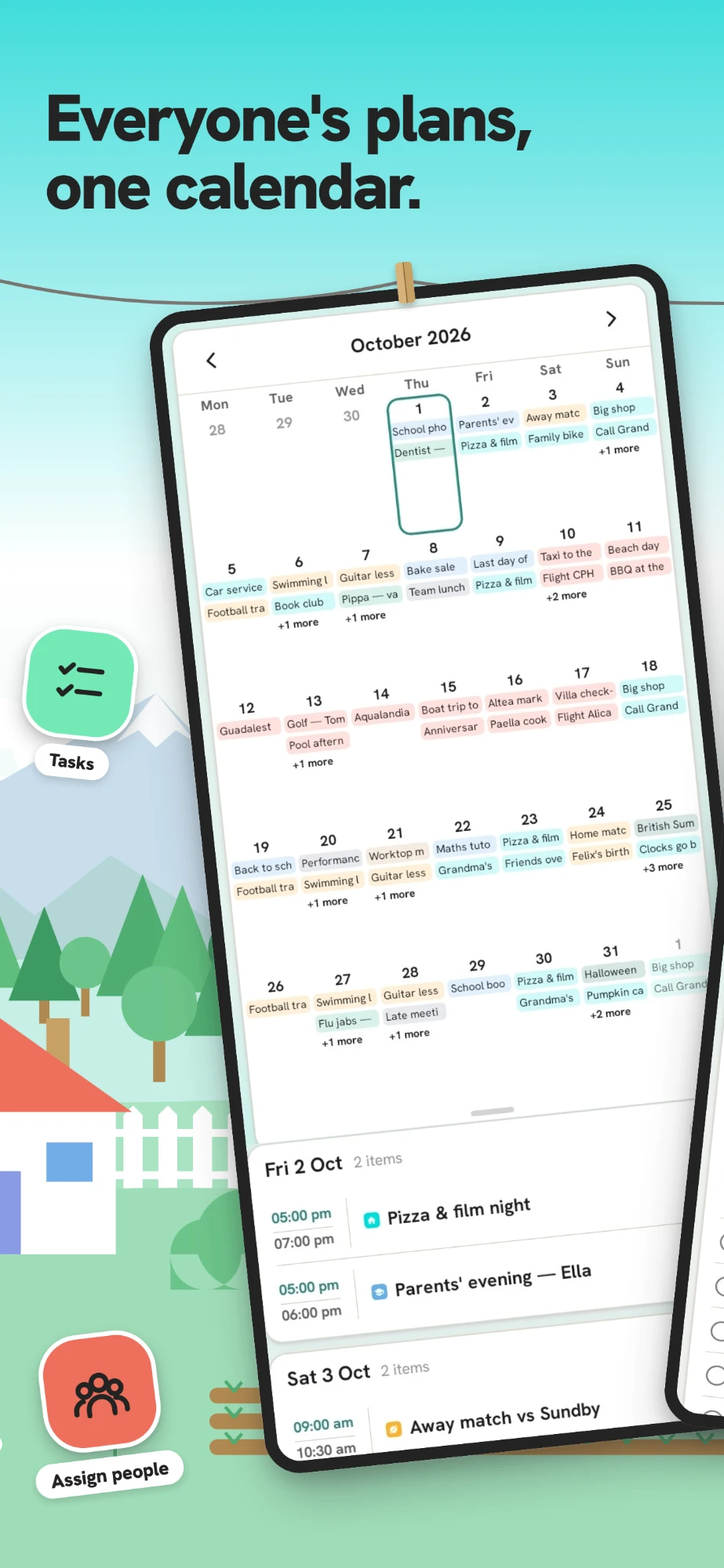
Month, week and day views, colour-coded by plan and by person, so everyone sees the same week. Type "dinner fri 18:00" and it lands right.
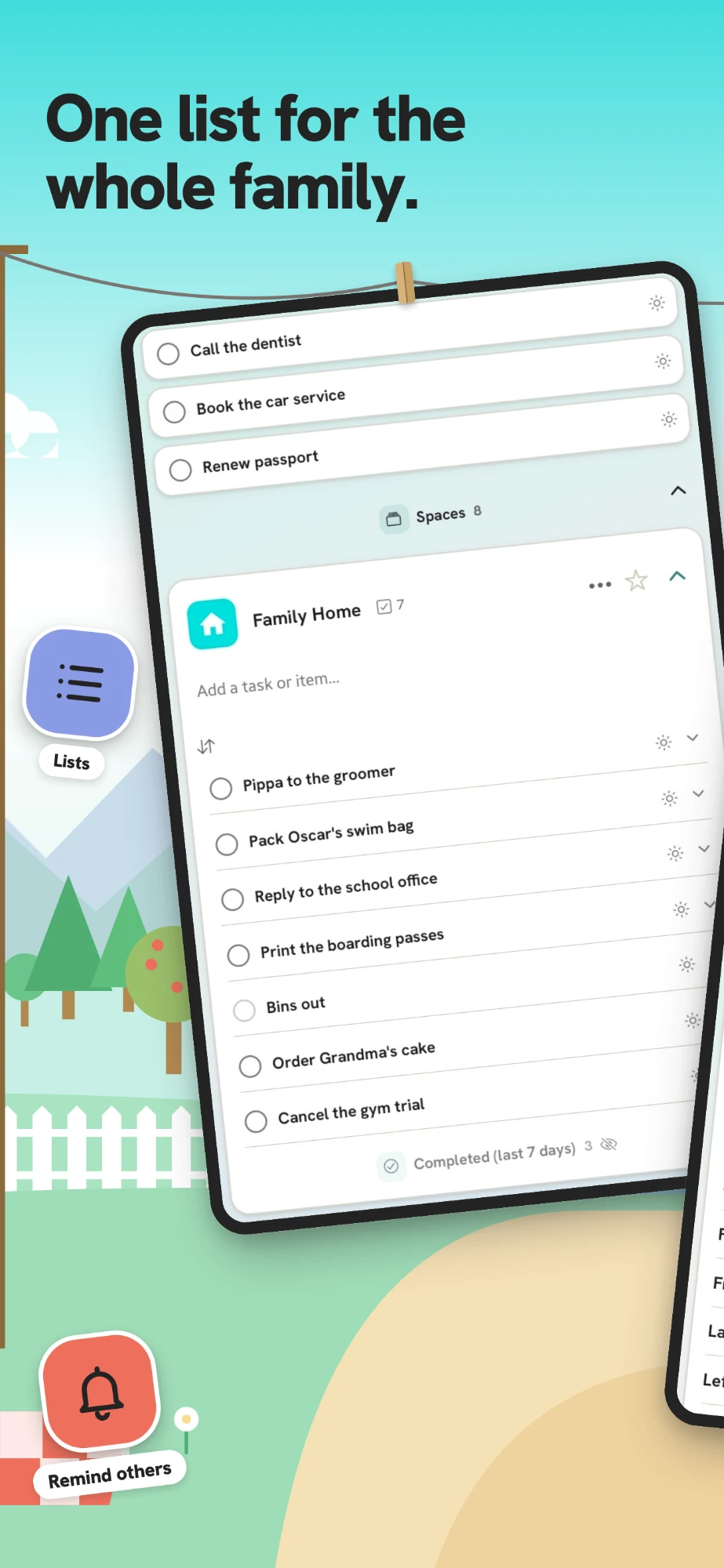
Assign a task to a person, set a reminder that fires on their phone, and nudge whoever "forgot". A gentle morning digest keeps everyone honest.
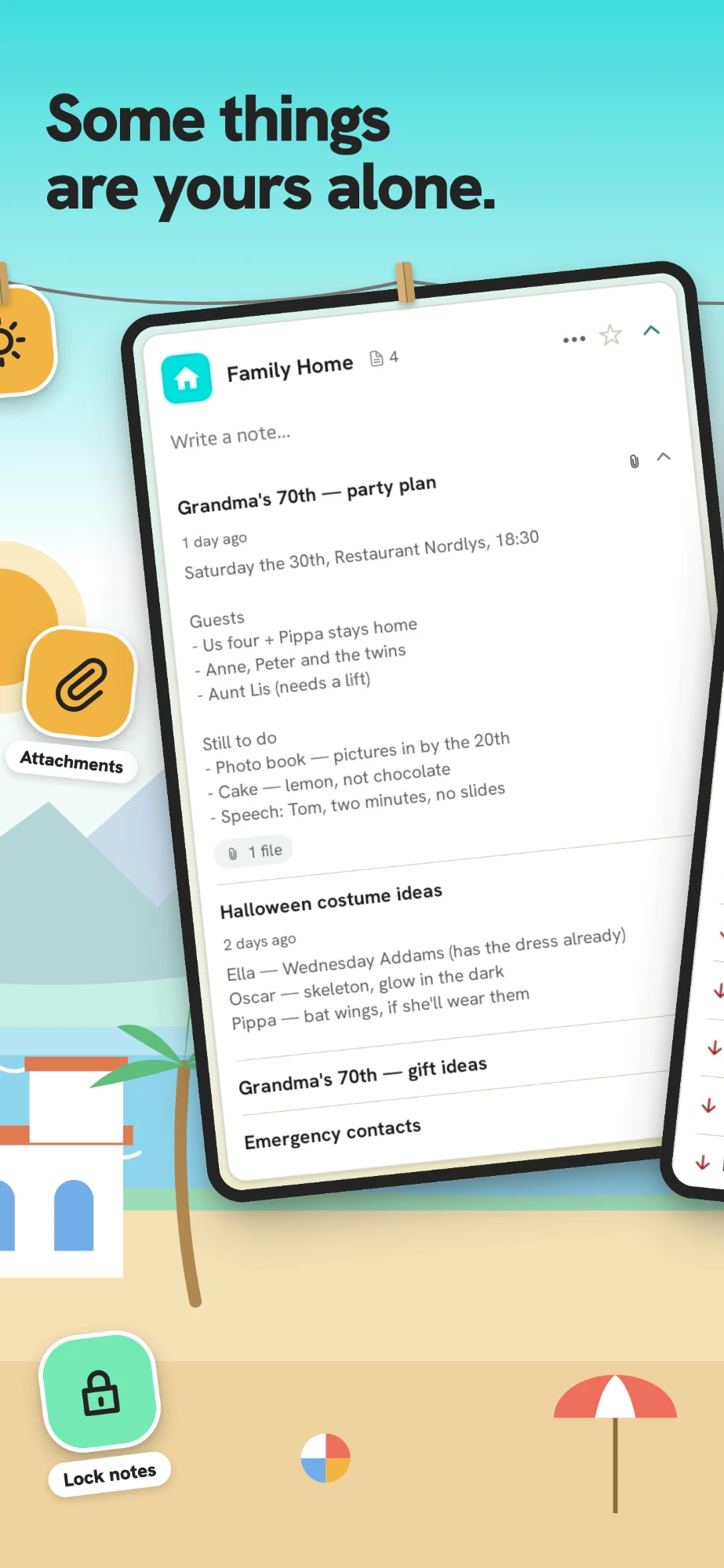
Headings, bold, colour, links and tick-off checklists, kept beside the plan they belong to. Private notes lock behind your fingerprint or face and never touch the web.
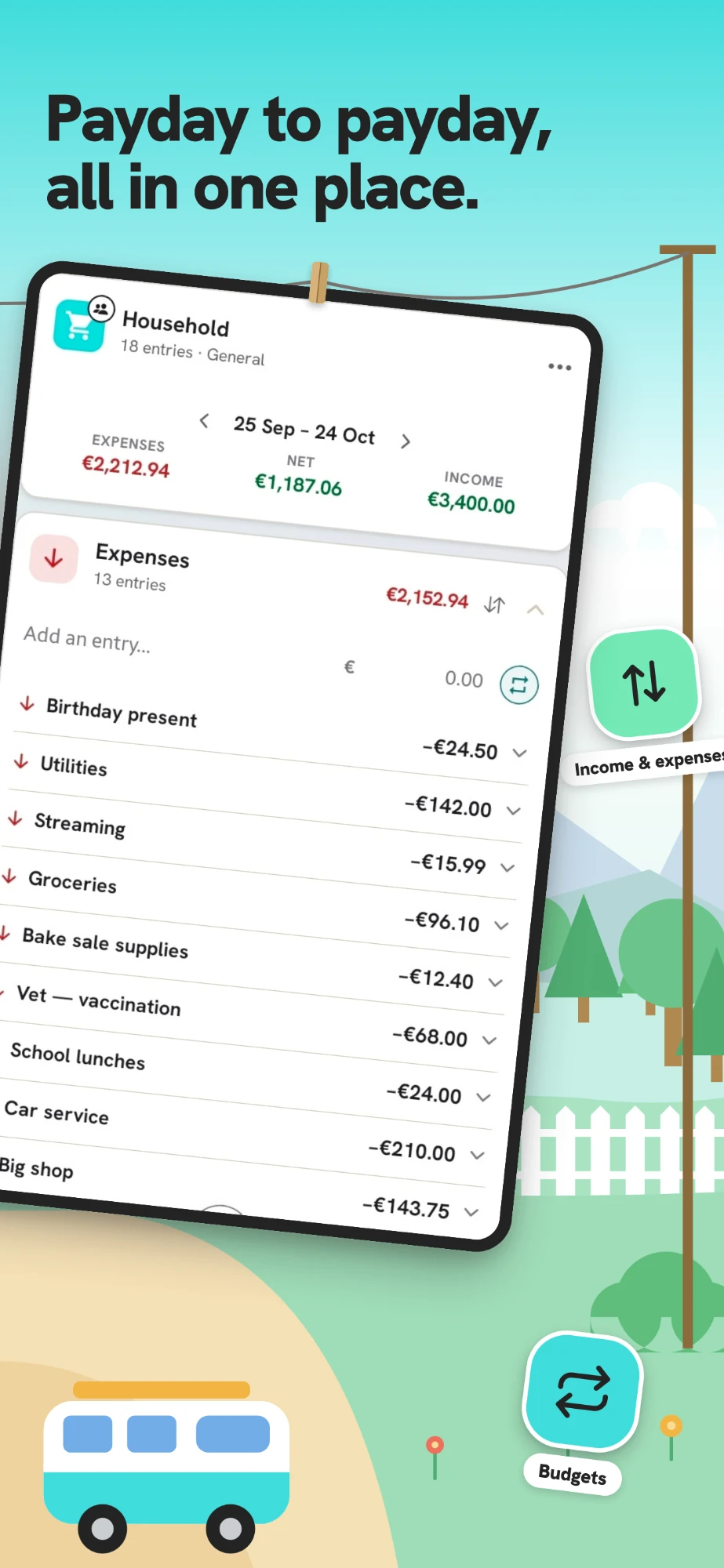
Log who paid for what against the plan it belongs to, each budget in its own currency, then split and settle up in one round instead of six awkward texts.
Bring across the events already on your phone, Google or Apple calendar in a tap, so nothing has to be typed twice.
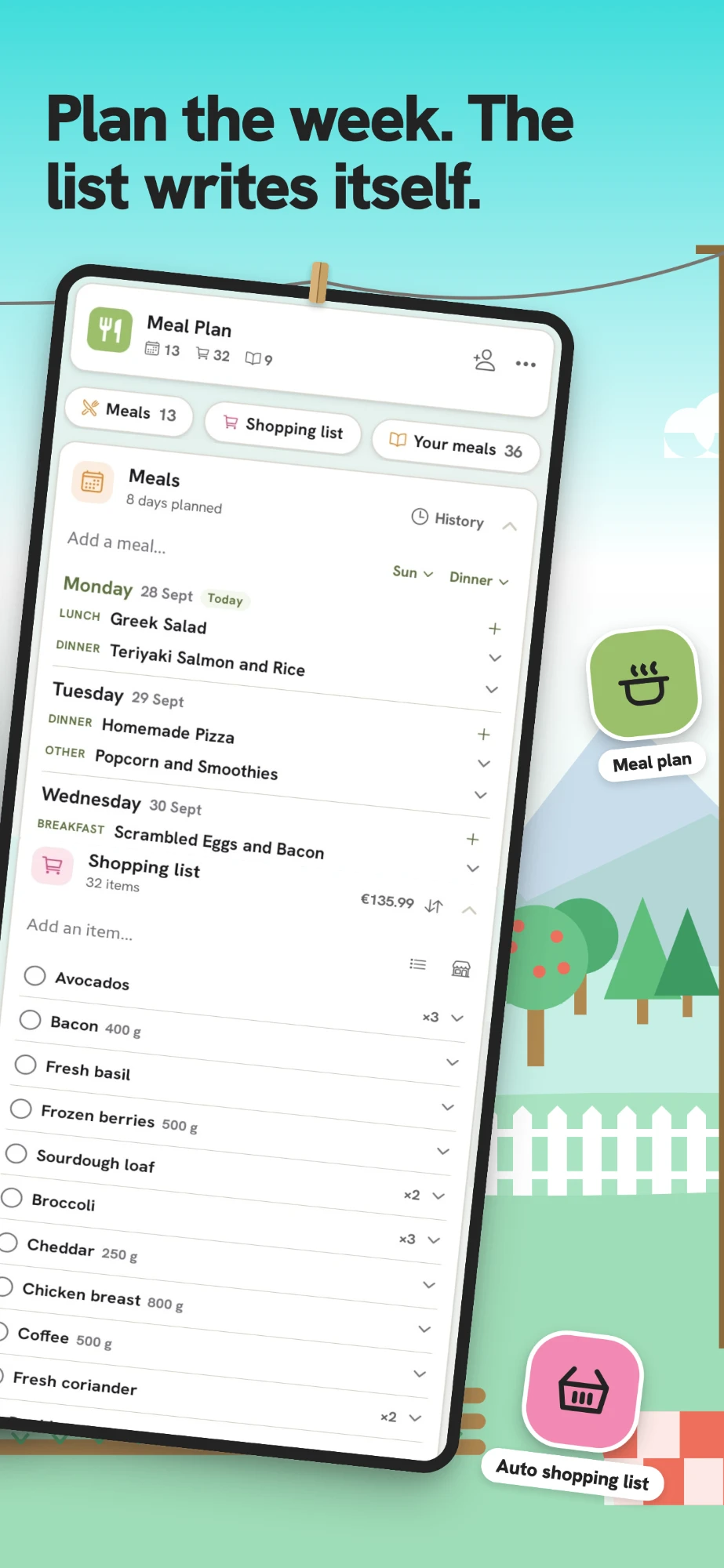
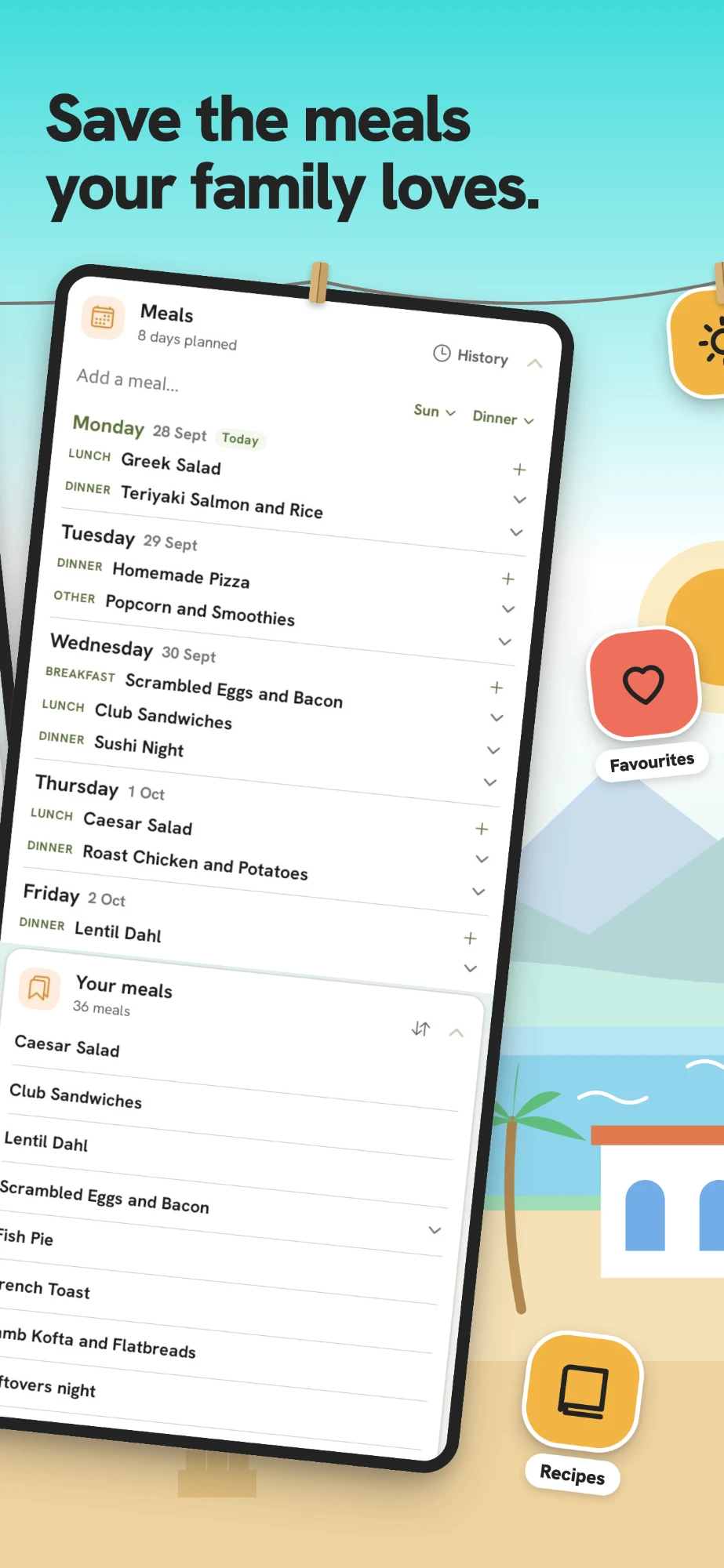
Plan the week's dinners and the shopping list builds itself from them, prices included. Copy a good week instead of starting from a blank one.
The whole app speaks 14 languages, from English and Spanish to German, French and Hindi, and follows whatever your device is set to.
A clean Simple look or the card-stacked Elevated one, eight accent colours, light or dark. Your call.
See it
Try it
Three corners of the app, working. Tick a task, put something on the calendar, pick a few dinners and watch the shopping list write itself. Nothing is saved, so play as much as you like.
Pricing
Cria Planner is free with no time limit, and no trial that quietly runs out. The free plan includes cloud sync across your devices and lets you share any space with one other person, this week's meal plan and shopping list included. Want more? Duo is the full app for two, ad-free, and Family is the same for your whole household, with Cria AI and photos on your notes. Paid plans start with a 30-day free trial, and the app shows the price in your own currency before you commit to anything.
| FreeFree forever | DuoFor two | FamilyWhole household | |
|---|---|---|---|
| Calendar, tasks, notes and lists | Included | Included | Included |
| Sync across phone, tablet and web | Included | Included | Included |
| Shared spaces | Unlimited | Unlimited | Unlimited |
| People in each space | You + 1 | You + 1 | Whole household |
| Shared budgets and splitting costs | Included | Included | Included |
| Meal plan and shopping list | This week | A month ahead | A month ahead |
| Meal history and your meal library | Not included | Included | Included |
| Recipes | 5 | Unlimited | Unlimited |
| Templates | Not included | Included | Included |
| No ads | Not included | Included | Included |
| Cria AI assistant | Not included | Not included | Included |
| Photos on notes | Not included | Not included | Included |
| Free trial | Not needed | 30 days | 30 days |
| What people you invite pay | Nothing | Nothing | Nothing |
Try any paid plan free for 30 days, cancel before it ends and you pay nothing. Refund policy.
Guides
Short, practical reads on getting through your day and keeping the people you plan with in sync.
A five-minute routine that turns a scattered list into a day that runs itself.
Read the guide →How a plan everyone can see spreads the mental load back out.
Read the guide →Give a group trip one home instead of drowning it in the group chat.
Read the guide →Who made it
Cria Planner exists because my partner and I could not keep track of our own life: the house, the pets, the garden, the food, the shopping. Four apps, three of which somebody had stopped opening. So I built the one I wanted, and it is still the app we use every day, which is the only reason I trust it with yours. The longer version.
FAQ
Yes, and it stays free. There is no time limit and nothing that runs out. The free plan includes cloud sync across your devices and lets you share any plan with one other person, so two people can plan together at no cost. It also includes this week's meal plan and shopping list. Optional paid extras remove the ads and add the full meal planner with history and a meal library, unlimited recipes and templates. Compare the plans.
No. One subscription covers a whole plan. The people you invite join for free and never pay a thing. You can also add guests who have no account at all.
Yes. It's on the App Store for iPhone, on Google Play for Android, and in any web browser. Your plans sync across all of them.
Yes, and this is the main reason people end up here. Cria Planner runs the same on iPhone, Android and the web, so a mixed household shares one calendar without anyone switching phones. You can import the events already sitting in Google or Apple Calendar in a tap.
Yes. Plan the week's dinners and the shopping list builds itself from those meals, with prices if you add them, so you know what the shop costs before you go. Copy a week that worked instead of planning from scratch. How to plan a week of meals.
Yes. Log shared costs against the plan they belong to, each budget in its own currency, and Cria Planner works out who owes whom. Settle in one round rather than a running tally in the group chat, with guests included even if they have no account.
Cozi is a long-standing family organiser and its lists are excellent, but the calendar's month view on mobile now sits behind Cozi Gold, and it has no concept of who paid for what. Cria Planner keeps the whole calendar free and puts the money and the meals in the same place as the dates. The full comparison, including where Cozi still wins.
Yes. Everything lives on your device first, so the app works fully offline and syncs across your phone, tablet and the web the moment you're back online.
The built-in assistant. Describe what you're planning in plain language, say "a weekend camping trip for four", and it builds the events, tasks and lists for you, then keeps answering as things change. It's included from the Family tier up. See how it works.
Your plans, notes and events are yours. Private notes can lock behind your fingerprint or face and never touch the web, and analytics are opt-in and never include the contents of your plans. Read the privacy policy.
Get the app
Download Cria Planner free on iPhone or Android, or use it right here in your browser. Your herd is waiting.